
The Ultimate Guide to Using AI for Workflow Automation and Increased Productivity
Unlock the potential of AI for workflow automation and tackle the challenges of managing your daily workload. This guide offers practical solutions and tools to enhance your productivity sustainably.
AI for workflow automation can significantly enhance productivity by streamlining repetitive tasks and improving task management. Tools like Automation Anywhere integrate with popular platforms like Trello to automate workflow processes, while Superhuman optimizes email management by prioritizing important messages. Additionally, Zapier allows for seamless automation between various applications, eliminating manual data entry. Content creation can also be accelerated with tools like Grammarly and Copy.ai, which enhance writing quality and generate ideas efficiently. Implementing these AI tools can lead to substantial time savings and improved organizational efficiency.

Hey there, friend! If you’ve ever found yourself buried under a pile of tasks, struggling to keep everything organized and running smoothly, you’re definitely not alone. Managing workloads can feel like juggling flaming swords at times. But guess what? AI tools are here to help you automate those pesky tasks and reclaim your time. Let’s dive into how you can use AI for workflow automation and boost your productivity.
Imagine this: you wake up, pour yourself a cup of coffee, and instead of diving straight into your inbox or to-do list, you spend a few minutes setting up your day with AI automation tools. Sounds dreamy, right? With the right strategies and tools, that dream can be your reality.
First off, let’s talk about task management. Ever used Trello? It’s a popular project management tool, but did you know it integrates seamlessly with AI? Tools like Automation Anywhere can work with Trello to create automated workflows. For example, if a task is marked as “done,” you can set it up to automatically move to an “archive” board. You just opened up more space and mental clarity without lifting a finger beyond that initial setup.
Next up, let’s face it—email can be a time sink. You might spend hours every week just managing your emails. Here’s a little trick: use Superhuman, an AI-powered email client that learns your habits and helps you prioritize what’s important. By the time you finish your coffee, Superhuman will assist you in sorting through your inbox, flagging high-priority emails, and even finding that email from Aunt Betty about the family reunion. Your time is yours again.
And what about all those repetitive tasks? They can really eat into your productivity. With tools like Zapier, you can automate workflows between different apps, cutting out manual work. For instance, let’s say you’re collecting leads through a form on your website. You can set up a Zapier integration to automatically send that data to your CRM and even notify your sales team via Slack—all without lifting a finger. You just saved yourself the hassle of data entry, allowing you to focus on nurturing those leads instead.
Now, let’s switch gears and talk about content creation. If you’re creating content for blogs or social media (and let’s be honest, who isn’t these days?), AI tools like Grammarly and Copy.ai can be lifesavers. With Grammarly, you can ensure your writing is not just error-free but also engaging. Meanwhile, Copy.ai can help you draft posts or brainstorm ideas faster than you can say “writer’s block.” Imagine saving an hour a week on content creation—that’s a serious boost to your productivity.
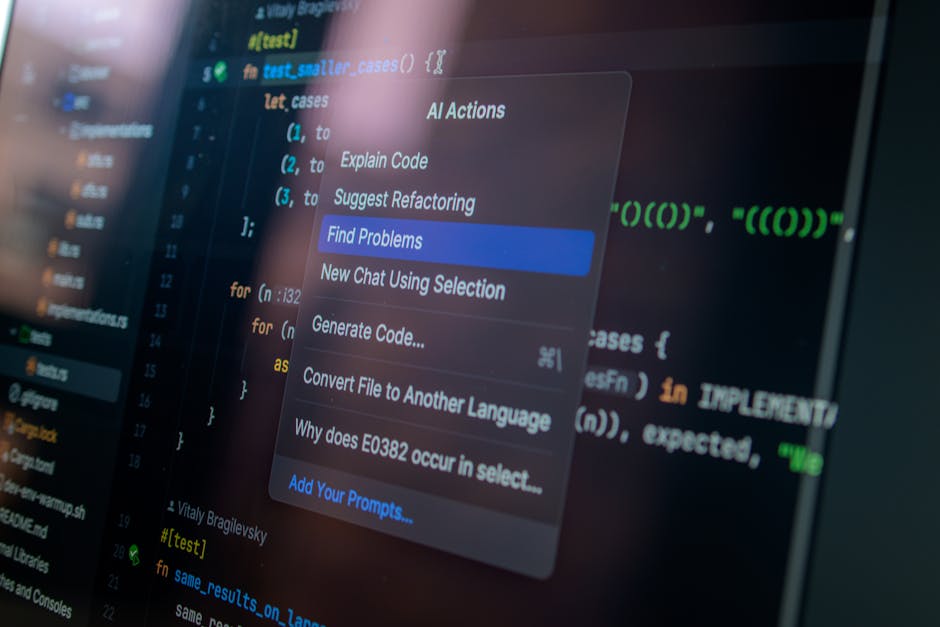
As you start incorporating AI tools for workflow automation, it’s essential to stay adaptable. The tech landscape evolves rapidly, and new tools emerge all the time. For example, recent advancements in AI-driven analytics tools—like Tableau—can help you visualize your productivity data and fine-tune your workflows. Want to know how much time you spent on emails versus actual project work? Tableau has the visualization tools to make that clear as day.
It’s also super important to communicate these changes with your team. Bring them on board with the new tools you’re using. When everyone knows what’s happening, you’ll find that adopting these new workflows becomes smoother, and you’ll see better results across the board.
Alright, time for some FAQs!
- Can AI take over my job? Not at all! Think of AI as your assistant. It handles repetitive tasks, freeing you up for work that requires your creativity and human touch.
- How much time can I really save with AI tools? It varies, but many users report saving several hours a week once they get going with the right integrations and setups.
- Are AI tools expensive? There are options for all budgets! Some tools offer free tiers, while others have subscription plans based on your needs.
Ready to tackle your workload with AI for workflow automation? Start small, explore a few tools, and gradually integrate them into your daily routine. Before you know it, you’ll be cruising through your to-do list with more time to focus on what really matters. Happy automating!
Related AI Tools Guides
Keep the momentum going with these useful reads: